Translate this course to any language of your choice
Translate this course to any language of your choice
Please note that not all text may be translated accurately or be translated at all. Food Safety Solutions is not responsible for incorrect or inaccurate translations. Food Safety Solutions will not be held responsible, or liable for any damage or issues that may result from using Google Translate.
https://www.youtube.com/shorts/QE4t28lRB0U
Translate pages in Chrome -languages supported by Google Chrome
- On your computer, open Chrome.
- Go to a page you want to translate.
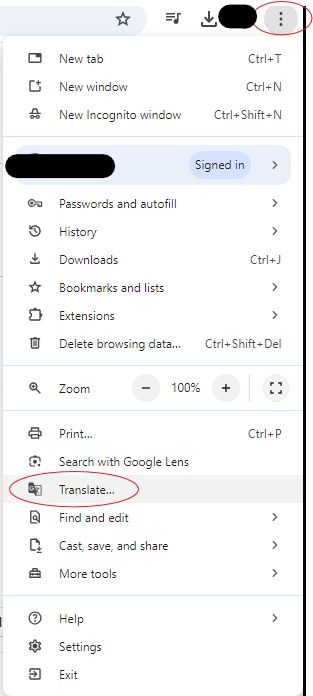
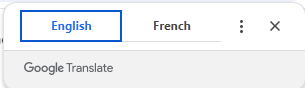
- On the right of the address bar, select Translate. You can right-click anywhere on the page and select Translate to [Language].
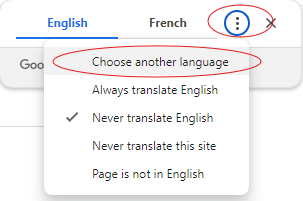
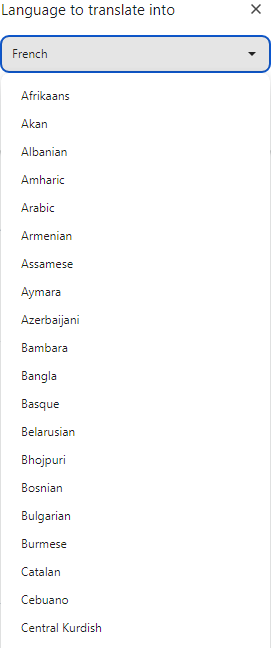
Select your preferred language. If Translate doesn't work, refresh the page.